



Oclean
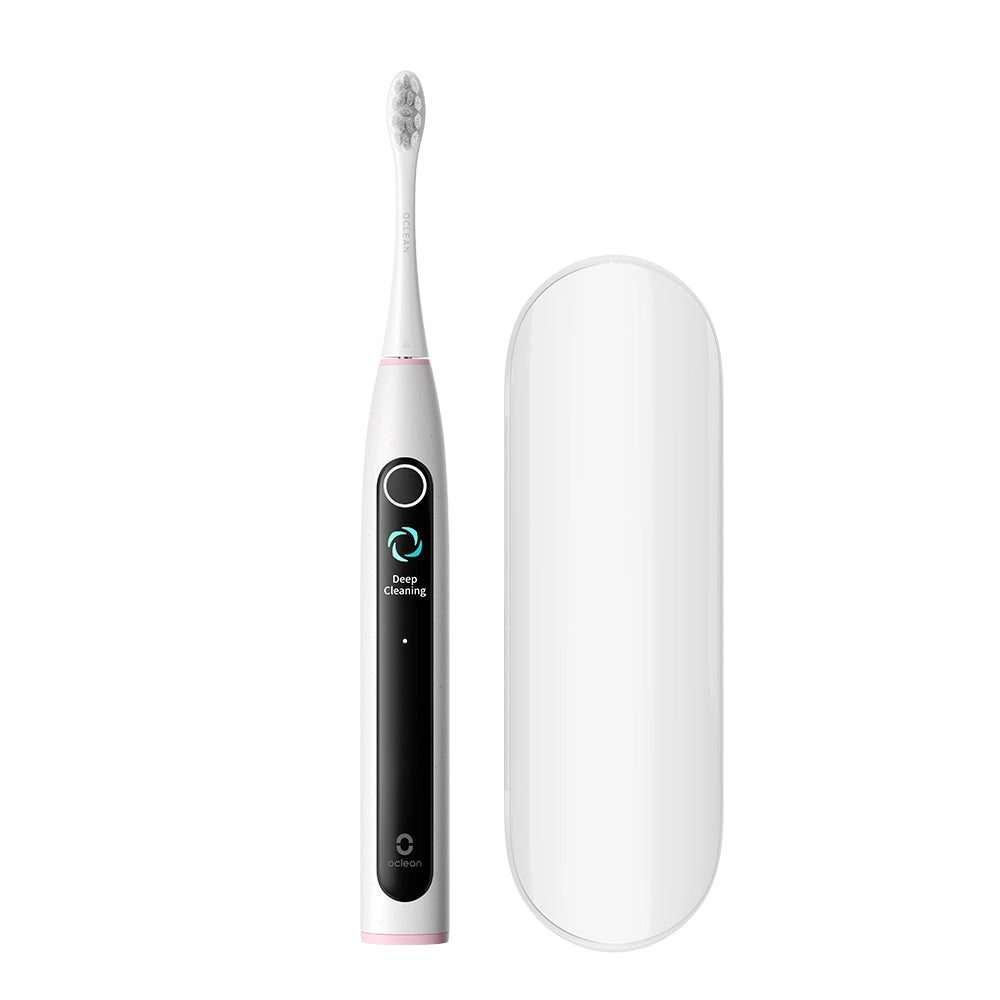
Oclean X Lite S Smart Sonic Toothbrush
Oclean X Lite S Smart Sonic Toothbrush
Regular price
€49,90
Regular price
€59,90
Sale price
€49,90
Taxes included.
Shipping calculated at checkout.
Quantity
Couldn't load pickup availability
- Smart Screen Displays Brushing Feedback
- Supplementary Guidance Addresses Missed Areas in One Click
- 5 Distinctive Brushing Modes for All Your Oral Needs
- Patented Maglev Power for Effective Plaque Removal
- Up to 40 Days of Battery Life
- 3 Hours Type-C Fast Charge




Auto-set Supplementary Guidance
Addresses Missed Areas in One Click
Provide you with a solution for addressing the missed areas.Oclean X Lite automatically set a supplementary brushing guidanceto brush these areas, achieving up to 38% more plaque removal.*

Step 1
Click to Start

Step 2
Start brushing

Step 3
Get through oral care
*Vs. Without no supplementary brushing guidance


Professional Clean
Brush Heads


*Validated by a 2-min brushing duration.twice a dayin Sensitive Gum Care mode

IPX7 waterproof
Safe Use in Shower & Washing

Better Brush Habits
30S brushing area switch reminder for better brushing habits

Low Battery Reminder
Give you peace of mind by eliminating charging anxiety


Learn more about this product
FAQ
The time on my toothbrush is displayed incorrectly?
Oclean has updated our UI to enhance the experience of the toothbrush's function, the latest firmware update can be found on the Oclean App, please download and upgrade your UI to the latest version, thanks.
How do I update the firmware of my toothbrush?
First, please log in to Oclean App, and in the "about me" section, select my device and scroll down to the bottom. Select firmware upgrade and then choose the upgrade that's available, then tap the right top corner icon to confirm the upgrade. It will connect to the toothbrush automatically and begin update.